Main screen
The main screen shows installed APKs and imported JoiPlay games with their current match/update state.
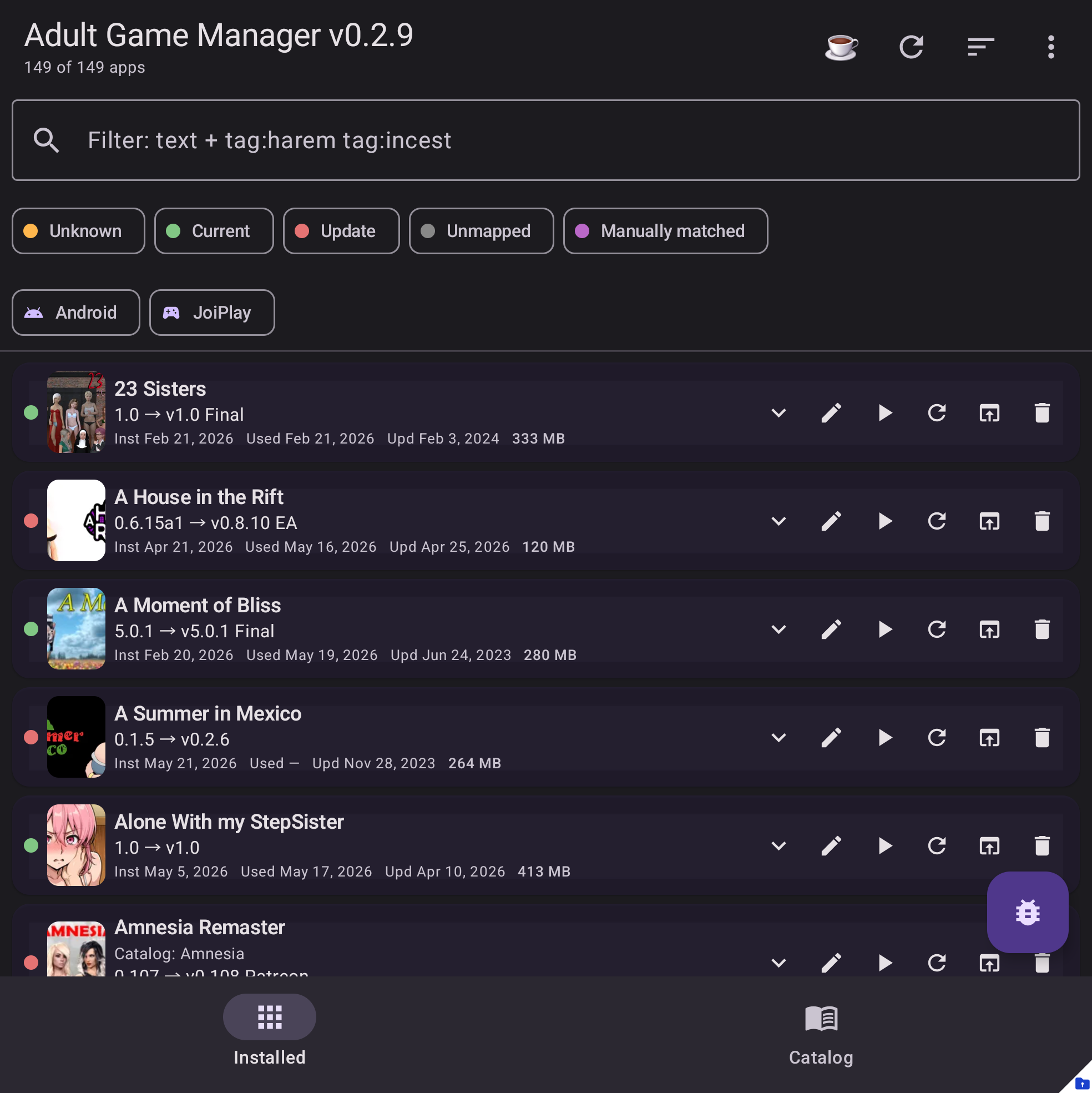
Top actions
Open the main menu from the top-right action button.
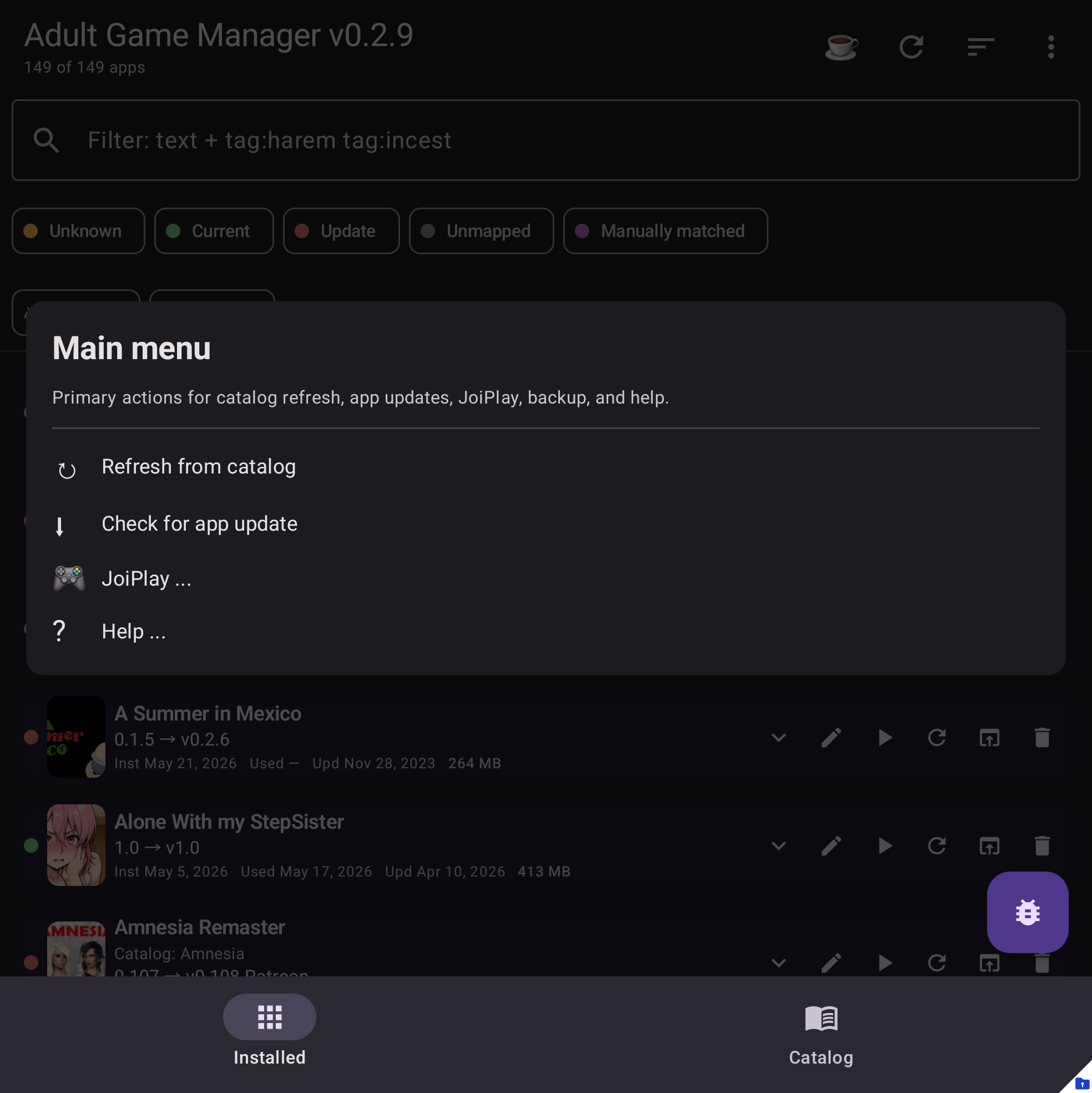
Common actions include:
- Refresh from catalog - checks catalog matches and update status.
- Check for app update - checks whether a newer Adult Game Manager APK is available.
- JoiPlay ... - opens JoiPlay install/import/settings tools.
- Backup & config ... - opens backup, restore, and config tools.
- Help ... - opens documentation, About, support, and diagnostics.
Filtering
Use the search field and filter chips to narrow the list. Catalog tag filters use tag: terms, such as tag:renpy or multiple tags in the same query.
Status and update state
Each row represents a local APK or imported JoiPlay game. Matched games can show a known catalog version, installed version, source page link, and update state. Unmatched games can be matched manually, reviewed later, or marked as not in the catalog.
Multi-select
Long-press or use the selection controls when available to apply supported actions to multiple rows. Use this carefully for actions that can change mapping or visibility state.
Landscape dialogs
AGM adapts larger workflow dialogs for landscape screens. When there is a natural split, the app shows controls and lists side-by-side instead of stacking everything vertically.
Examples include:
- Ren'Py and RPGM save editors.
- Save compare dialogs.
- File and folder pickers.
- Save-location reports and association pickers.
- JoiPlay settings and extracted-file browsers.
- Catalog entry details with cover art beside metadata.