Diagnostics and logs
Diagnostics tools help troubleshoot Adult Game Manager behavior without guessing.
Where to find it
Menu -> Help ....
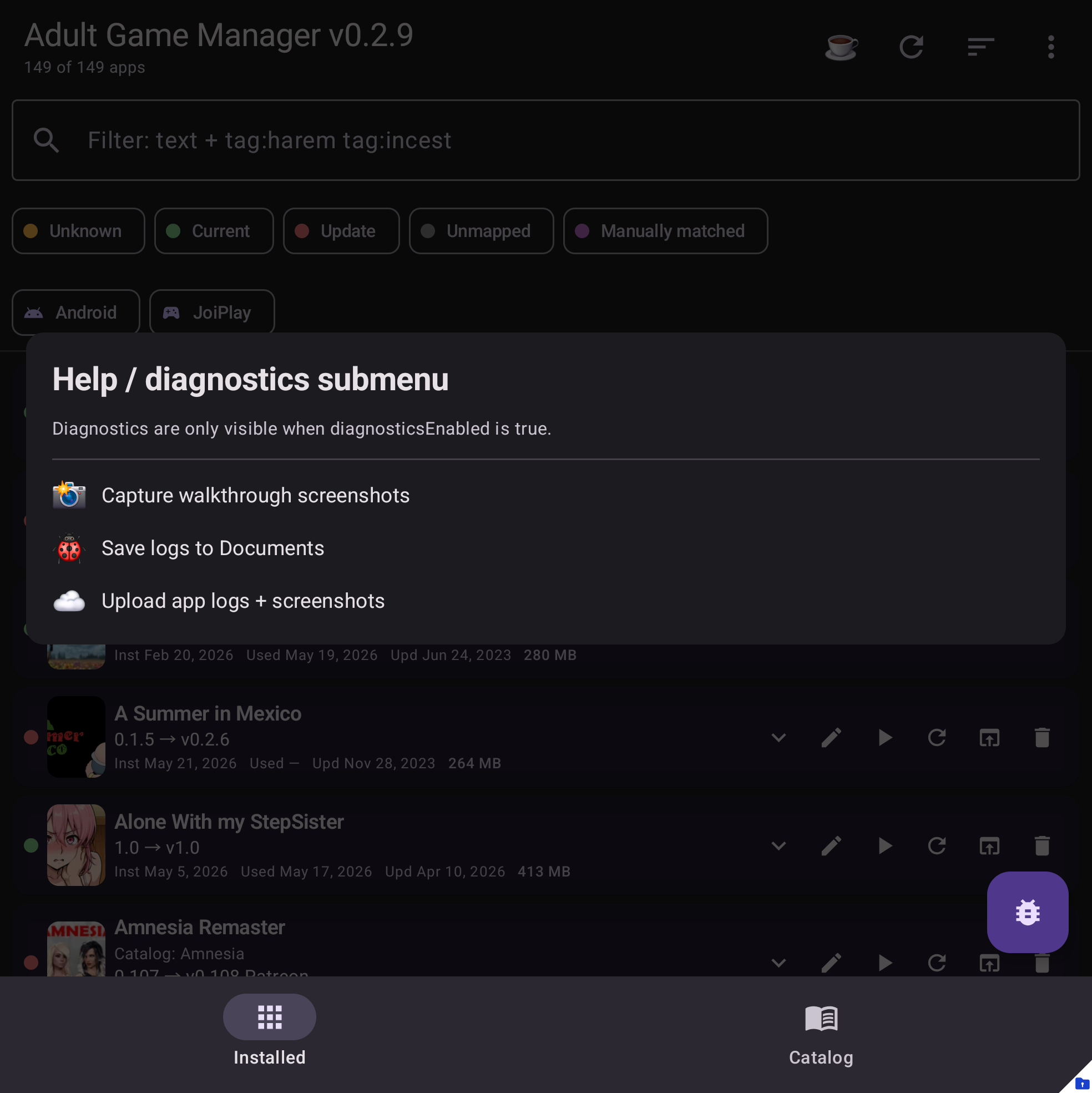
Always available
- Copy diagnostics summary opens a summary you can copy into an issue.
- Save local diagnostics writes logs and queued crash reports to your Documents folder.
Optional upload actions
When diagnostics upload is enabled in app_config.json, more actions may appear:
- Upload crash logs uploads queued crash reports to the configured upload target.
- Upload app logs + screenshots uploads current app logs plus captured screenshots.
- Capture launch screenshots captures launch/onboarding screens for docs or support.
- Capture walkthrough screenshots captures the main help-site walkthrough screens.
- Verbose logs toggles extra logging for the current run.
Privacy
Diagnostics upload is explicit. Adult Game Manager does not upload logs or screenshots automatically, and upload actions only appear when upload settings are configured.
Before sharing diagnostics publicly, review them for private paths, filenames, or other details you do not want to publish.
What to look for in logs
- App version and Android/device details.
- Catalog sync start/failure messages.
- Update-feed URL counts and selected version.
- Safe private config summary, such as how many version feeds are configured.
- Crash stack traces or failed operation messages.